
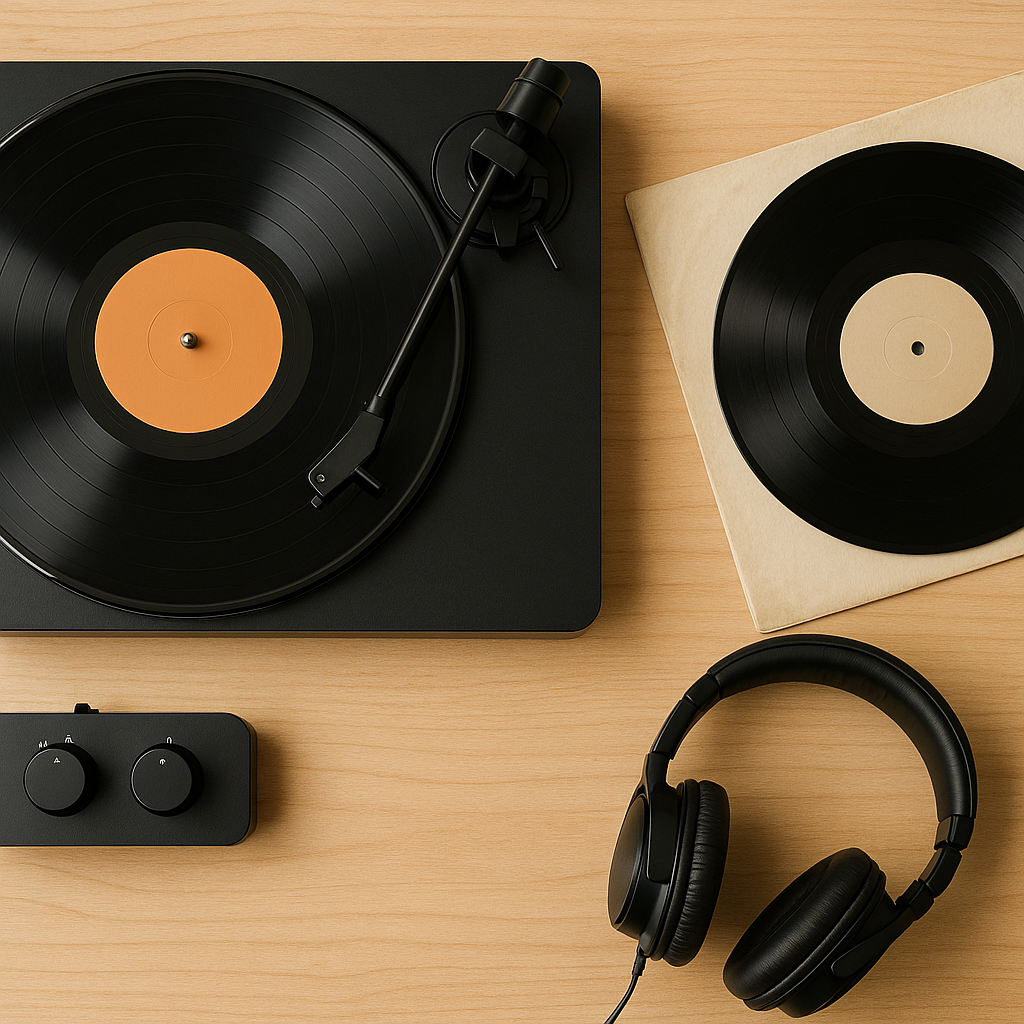
Beginner Vinyl Setup: What You Need & How to Set Up a Turntable
Share
Building your first vinyl setup can seem confusing. Turntables, phono preamps, amplifiers, powered speakers and passive speakers all get mentioned—but you may not need every one of them.
The simplest beginner vinyl setup can be just a turntable with a built-in phono preamp connected to a pair of powered speakers. A more traditional hi-fi system uses a turntable, amplifier and passive speakers.
This guide explains exactly what you need, how the components connect and how to set up a turntable correctly.
What Do You Need for a Beginner Vinyl Setup?
Every vinyl system needs to perform four basic jobs:
- Spin the record and read the groove: the turntable, cartridge and stylus do this.
- Raise the cartridge’s tiny signal to line level: this is the job of a phono preamp or phono stage.
- Provide enough power to drive the speakers: either an amplifier or the amplifiers built into powered speakers do this.
- Turn the electrical signal into sound: this is the speakers’ job.
Some products combine several of these functions. That is why one beginner setup may need only a turntable and powered speakers, while another needs four separate components.
Three Simple Ways to Connect a Turntable
Option 1: Turntable With a Built-In Phono Preamp and Powered Speakers
Connection: Turntable set to LINE → powered speakers
This is usually the easiest beginner vinyl setup. The turntable converts its phono signal to line level, while the speakers contain their own amplifier.
You do not need a separate phono preamp or stereo amplifier. Make sure the turntable’s output switch is set to LINE rather than PHONO.
Option 2: Turntable Without a Built-In Preamp and Powered Speakers
Connection: Turntable → external phono preamp → powered speakers
A standard turntable cartridge produces a very low-level phono signal. If the turntable does not contain a preamp, an external phono stage must sit between it and the speakers’ line-level input.
Some turntables also have a ground wire. Connect this to the ground terminal on the phono preamp to help prevent humming.
Option 3: Turntable, Amplifier and Passive Speakers
Connection: Turntable → amplifier or receiver → passive speakers
If the amplifier has an input labelled PHONO, it normally contains the phono stage you need. Connect the turntable to that input and attach the ground wire if required.
If the amplifier only has AUX, LINE, CD or TAPE inputs, you will need either:
- A turntable with a built-in phono preamp set to LINE; or
- A separate phono preamp between the turntable and amplifier.
Do not send a line-level output into a PHONO input. Using two phono stages at once usually produces sound that is excessively loud and distorted.
What Is a Phono Preamp?
A phono preamp—also called a phono stage—boosts the very quiet signal produced by a turntable cartridge. It also applies the required RIAA equalisation so the record sounds balanced during playback.
The phono stage may be built into:
- The turntable;
- An amplifier or receiver;
- Some powered speakers; or
- A separate external component.
Check the labels on your equipment rather than assuming a preamp is included. A socket labelled AUX or LINE is not the same as a PHONO input.
How to Choose a Beginner Turntable
A good first turntable should be reliable, properly specified and easy to use. Look for:
- Support for both 33⅓ and 45 RPM records;
- A replaceable stylus from an established manufacturer;
- Clearly specified tracking force;
- A stable platter and tonearm;
- A dust cover;
- An Australian-compatible power supply; and
- A built-in phono preamp if you want the simplest connection.
A removable or upgradeable cartridge can be useful, but it is not essential for everyone’s first system.
Automatic or Manual?
An automatic turntable can place the stylus on the record and return the tonearm when the side finishes. This is convenient for beginners and casual listening.
With a manual turntable, you move and lower the tonearm yourself. Manual models are still easy to use, but they require a little more care.
Belt Drive or Direct Drive?
Belt-drive turntables use a belt between the motor and platter. Direct-drive models place the motor directly beneath the platter.
Either design can produce excellent results. Direct drive is particularly useful for DJ use because of its fast start-up and speed stability, while many home-listening turntables use belt drive. Build quality and correct setup matter more than choosing one design purely because of the label.
Examples of Beginner-Friendly Turntables
These are examples rather than a definitive ranking. Models and availability change, so compare features and local support before buying.
- Audio-Technica AT-LP60X: fully automatic, plays 33⅓ and 45 RPM records and includes a switchable phono preamp. Its stylus is replaceable, although the cartridge itself is integrated.
- Audio-Technica AT-LP70X: another automatic option with a built-in switchable preamp and an AT-VM95C cartridge, providing a broader range of compatible replacement styli.
- Pro-Ject E1 Phono: a manual, plug-and-play design with factory-adjusted tracking force and anti-skating, electronic speed selection and a built-in phono preamp.
- Rega Planar 1: a straightforward manual turntable with factory-set bias. It does not contain a conventional built-in phono preamp, so it must be connected to a suitable phono stage.
Prices can move considerably, so it is better to choose according to connection requirements, build quality and upgrade options than a temporary sale price.
Powered Speakers vs Passive Speakers
Powered Speakers
Powered or active speakers contain their own amplification. They are often the easiest choice for a small or simple vinyl setup.
Advantages:
- Fewer components and cables;
- Compact and easy to set up;
- No separate power amplifier required; and
- Some models include Bluetooth and additional inputs.
Remember that powered speakers still require a line-level signal. The turntable or speakers must contain a phono preamp, or you must add an external one.
Passive Speakers
Passive speakers require a separate amplifier or receiver.
Advantages:
- More choice when matching components;
- Easier to upgrade one part at a time;
- More input options on many amplifiers; and
- A wider range of speaker sizes and styles.
This arrangement takes up more room, but it provides a flexible path if you expect to expand your system later.
How to Set Up a Turntable Step by Step
1. Choose a Stable, Level Surface
Place the turntable on sturdy furniture away from foot traffic and vibration. Do not place it directly on a speaker.
Check that the turntable is level from front to back and side to side. A poorly levelled turntable can affect how the stylus tracks the groove.
2. Follow the Manufacturer’s Assembly Instructions
Depending on the model, you may need to install the platter, fit a drive belt, attach a counterweight or remove transit screws and packing materials.
Do not guess. Turntable setup differs between models, so follow the supplied manual.
3. Set Tracking Force and Anti-Skate Correctly
Some beginner turntables arrive fully adjusted. Others require the tonearm to be balanced before the recommended tracking force is set.
Always use the cartridge manufacturer’s specified range. Tracking too lightly can cause mistracking and skipping; tracking too heavily can increase stylus and groove wear.
If the turntable is factory-set and the manual says no adjustment is required, do not alter it unnecessarily.
4. Check the PHONO/LINE Switch
- Choose LINE when connecting a built-in preamp directly to powered speakers or an AUX/LINE input.
- Choose PHONO when connecting to an amplifier’s PHONO input or a separate phono preamp.
5. Connect the Ground Wire if Required
Many turntables with a separate phono output include a thin ground wire. Attach it to the ground terminal on the amplifier or phono stage. If it is left disconnected, you may hear a persistent hum.
6. Position the Speakers
Place the left and right speakers a reasonable distance apart and angle them towards the listening position. Avoid putting them on the same lightweight surface as the turntable, because their vibration can travel back to the stylus and cause feedback.
7. Select the Correct Speed
Most 12-inch albums play at 33⅓ RPM, while many 7-inch singles play at 45 RPM. There are exceptions, so check the record label or sleeve when unsure.
8. Cue the Record Carefully
Remove the stylus guard, select the correct speed and use the cueing lever where available. Lowering the stylus gently is safer than dropping it by hand.
Common Beginner Turntable Setup Mistakes
The Volume Is Extremely Quiet
The turntable is probably sending a phono-level signal into a line-level input without a phono preamp. Check for a PHONO/LINE switch or add an external phono stage.
The Sound Is Loud and Distorted
You may be running a turntable’s LINE output into an amplifier’s PHONO input. This sends the signal through two phono stages. Switch the turntable to PHONO or use a normal line input.
There Is a Loud Hum
Check the ground wire and make sure the RCA plugs are firmly connected. Keep signal cables away from power adapters where practical.
The Record Skips
Skipping can be caused by dust, damage, vibration, an unlevel turntable or incorrect tracking force. Work through our guide to why vinyl records skip before assuming the record is defective.
The Sound Is Muddy or Noisy
Inspect the stylus for dust and clean the record properly. Never touch the stylus with your fingers. Our complete vinyl cleaning guide explains safe dry and wet-cleaning methods.
Can You Use Bluetooth With a Turntable?
Yes. A Bluetooth turntable can connect to compatible wireless speakers or headphones, and Bluetooth transmitters can be added to some wired systems.
Bluetooth is convenient, especially where running cables is difficult. However, the signal must be converted and transmitted digitally, so a wired analogue connection remains the better choice when maximum sound quality and connection reliability are the priorities.
Bluetooth is an optional convenience—not something every beginner setup needs.
Useful Accessories for a First Vinyl Setup
- Carbon-fibre record brush: helps remove loose surface dust before playback.
- Stylus brush: designed specifically for carefully cleaning the stylus.
- Anti-static inner sleeves: useful for replacing dirty or abrasive paper sleeves.
- Protective outer sleeves: help reduce shelf wear and protect cover artwork.
- Small spirit level: useful for checking the turntable surface.
- 45 RPM adaptor: needed for large-centre 7-inch singles if one is not included.
You can browse our vinyl record sleeves for long-term collection protection.
Beginner Vinyl Setup Buying Checklist
Before ordering anything, confirm the following:
- Does the turntable have a built-in phono preamp?
- Do the speakers contain their own amplifier?
- If using passive speakers, does the amplifier have a PHONO input?
- Are the turntable and cartridge supplied ready to use?
- Is the stylus replaceable?
- Does the turntable support the speeds you need?
- Are the required RCA, speaker and ground cables included?
- Do you have a stable, level place for the turntable?
- Is there enough space to position the speakers away from it?
Beginner Vinyl Setup FAQs
Do I Need an Amplifier for a Turntable?
You need amplification somewhere in the system. Powered speakers contain their own amplifier, so no separate unit is required. Passive speakers need an amplifier or receiver.
Do I Need a Phono Preamp?
Yes, but it may already be built into your turntable, amplifier or powered speakers. You only need a separate phono preamp when none of the other components includes one.
Can I Plug a Turntable Straight Into Speakers?
You can connect directly when the speakers are powered and either the turntable or speakers has a compatible phono preamp. A standard phono-only turntable cannot drive passive speakers or a normal line input by itself.
Is an Automatic Turntable Better for Beginners?
Automatic operation is convenient, but it is not essential. A properly set-up manual turntable can also be an excellent first choice.
How Much Should a Beginner Vinyl Setup Cost?
There is no single correct budget. Work backwards from the complete system rather than spending everything on the turntable and leaving too little for speakers. A balanced combination usually provides a better result than one expensive component paired with unsuitable equipment.
Should I Buy New or Second-Hand Equipment?
Either can work. New equipment provides a warranty and clearer setup instructions. Used equipment may offer better value, but check the stylus, belt, cables, bearings, speed stability and automatic functions before buying.
Final Advice
A first vinyl setup does not need to be complicated. Start with components that connect correctly, place the turntable on a stable and level surface, follow the manufacturer’s settings and keep your records and stylus clean.
Once the basic system is working properly, you can decide whether future upgrades—such as different speakers, a cartridge or an external phono stage—would provide a meaningful improvement.
New to collecting as well as playback? Read our vinyl terminology guide, explore which records to start with, and learn how to store vinyl records correctly.